

Is your computer running sluggishly, crashing unexpectedly, or sounding like a jet engine? While many factors can impact performance, one often overlooked culprit is temperature. Just like humans, computers have an optimal temperature range, and when they exceed it, performance suffers dramatically.
Overheating is responsible for up to 60% of premature hardware failures, making it one of the most critical yet overlooked aspects of computer maintenance.
Understanding the relationship between temperature and performance can save you significant time, money, and frustration. Let’s explore how heat affects your system and what you can do about it.
Why Computer Temperature Matters
Heat is one of the biggest enemies of electronic components. When your computer runs too hot, it doesn’t just slow down; it actively protects itself by reducing performance, and prolonged exposure can permanently damage expensive hardware components.
Modern computers have built-in safety mechanisms, but these come at a cost to your productivity and system longevity.
Thermal Throttling
- Automatic performance reduction: CPUs and GPUs automatically slow down by 40-50% when temperatures reach 90-100°C
- Noticeable slowdowns: A 4.2 GHz processor might drop to 2.5 GHz, making tasks take minutes instead of seconds
- Progressive degradation: Systems start fast but gradually slow during extended workloads
- Application impact: Video conferences lag, calculations take longer, and software becomes unresponsive
System Stability Problems
- Random crashes and freezes: Overheated components produce calculation errors that crash applications
- Emergency shutdowns: Motherboards force sudden shutdowns at critical temperatures, often without warning
- Blue Screen of Death (BSOD): Heat-stressed components frequently trigger these dreaded error screens
- Data corruption: Unstable components can corrupt files and create inconsistent results
Long-Term Hardware Damage
- Accelerated aging: Every 10°C temperature increase can reduce component lifespan by up to 50%
- Reduced system lifespan: Business computers may need replacement in 2-3 years instead of 4-5 years
- Higher failure rates: Prolonged heat exposure dramatically increases the probability of catastrophic failure
- Expensive replacements: Heat damage often requires replacing multiple components simultaneously
How Heat Affects Different Components
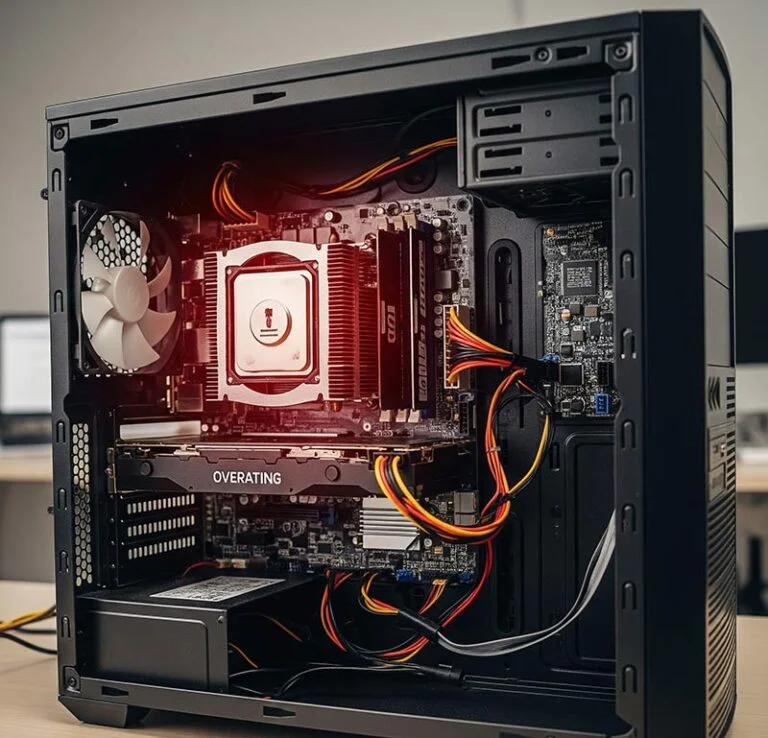
Each component in your computer reacts differently to excessive heat, creating various symptoms and performance issues. Understanding these specific effects helps you identify which parts of your system are struggling and prioritize your cooling efforts accordingly.
CPU (Central Processing Unit)
- Performance throttling: 20-50% speed reduction under high temperatures
- Computational errors: Heat causes processing mistakes that crash applications
- Permanent damage risk: Extreme temperatures can permanently damage the processor
- Shortened lifespan: Consistent overheating significantly reduces CPU longevity
GPU (Graphics Processing Unit)
- Visual artifacts: Screen glitches, flickering, and distorted images
- Frame rate drops: Gaming and video applications become choppy and unresponsive
- Encoding errors: Video processing tasks fail or produce corrupted output
- Expensive replacement: Graphics cards are among the most costly components to replace
Memory (RAM)
- Data corruption: Heat causes memory errors that corrupt active data
- System crashes: Unstable memory leads to frequent application and system failures
- Slower performance: Heat reduces data transfer speeds between memory and processor
- Permanent damage: Extreme heat can permanently damage memory cells
Storage Devices
- Reduced speeds: Both SSDs and hard drives slow down when overheated
- Data corruption risk: High temperatures increase the chance of losing important files
- Higher failure rates: Heat significantly shortens drive lifespan
- Recovery costs: Data recovery from failed drives can be extremely expensive
Warning Signs Your Computer Is Overheating
Recognizing overheating symptoms early can prevent serious damage and expensive repairs. These warning signs typically appear in a predictable order, starting with minor inconveniences and escalating to serious system problems.
Pay attention to both physical symptoms and performance changes, as they often occur together.
Physical Symptoms
- Excessive fan noise: Fans constantly running at high speed, sounding like a jet engine
- Hot air from vents: Unusually hot air being expelled from computer vents
- Hot case surfaces: Computer case feeling uncomfortably hot to touch, especially near CPU/GPU
- Burning smells: Immediate shutdown required! This indicates components are potentially burning
Performance Changes
- Gradual slowdowns: Computer starts fast but becomes sluggish during extended use
- Task-specific problems: Performance drops specifically during intensive applications
- Graphics issues: Screen flickering, artifacts, or distorted images during graphics-intensive tasks
- Worsening response times: System becomes increasingly unresponsive the longer it runs
System Behaviour Issues
- Unexpected shutdowns: Computer turns off suddenly without warning during intensive tasks
- Startup problems: Difficulty booting after periods of heavy use
- Temperature warnings: BIOS/UEFI alerts about high temperatures during startup
- Hardware error messages: System errors pointing to specific overheated components
Common Causes of Overheating
Understanding what causes your computer to overheat is essential for effective prevention. Most overheating issues stem from a combination of environmental factors, poor maintenance, and demanding usage patterns that can be addressed with proper attention.
Identifying the root cause helps you implement the most effective solutions and prevent future problems.
Environmental Factors
- High room temperature: Every 5°C increase in ambient temperature raises internal temperatures by 2-3°C
- Poor ventilation: Enclosed spaces and blocked vents can increase temperatures by 10-15°C
- Direct sunlight: Sunlight on computer cases can raise temperatures by over 20°C
- Seasonal increases: Summer heat leads to 30% more overheating service calls in Calgary
Hardware Maintenance Issues
- Dust accumulation: Just 2mm of dust on heatsinks increases temperatures by 10-15°C
- Failing fans: Aging fans lose up to 30% cooling efficiency before complete failure
- Old thermal paste: Degraded thermal paste reduces heat transfer efficiency by up to 50%
- Blocked air vents: External blockages can raise internal temperatures by 5-10°C
Usage Patterns
- Resource-intensive applications: Video editing, 3D rendering, and complex calculations generate maximum heat
- Excessive multitasking: Multiple demanding applications prevent cooling systems from catching up
- Malware infections: Cryptocurrency miners and other malware can consume 100% system resources continuously
- Overclocking: Modified settings dramatically increase heat production beyond design specifications
How to Monitor Your Computer’s Temperature

Monitoring your computer’s temperature is the first step in preventing overheating problems. Modern systems provide various ways to check temperatures, from built-in tools to specialized software that offers detailed monitoring and alerting capabilities.
Regular temperature monitoring helps you establish normal baselines and quickly identify when something goes wrong.
Built-in Monitoring Options
- BIOS/UEFI access: BIOS/UEFI can provide temperature readings available during computer startup
- Windows Task Manager: Recent versions display GPU temperature in Performance tab
- Mac Activity Monitor: Combined with tools like Temperature Gauge for comprehensive readings
- System notifications: Built-in warnings when temperatures reach critical thresholds
Third-Party Software Solutions
- Comprehensive monitoring: Install monitoring software like HWiNFO, Open Hardware Monitor, or NZXT CAM to keep track of temperatures.
- Custom alerts: Configure warnings when temperatures exceed safe thresholds
- Historical tracking: Monitor temperature trends over time to identify developing problems
- Real-time displays: Keep temperature information visible while working
Safe Temperature Guidelines
- CPU temperatures: Below 75°C ideal, 75-85°C acceptable, above 85°C requires attention
- GPU temperatures: Below 80°C ideal, 80-90°C acceptable, above 90°C requires attention
- Hard drive temperatures: Below 45°C ideal, above 50°C risks premature failure
- Alert thresholds: Set warnings at 80°C for CPU and 85°C for GPU
Immediate Solutions for Overheating
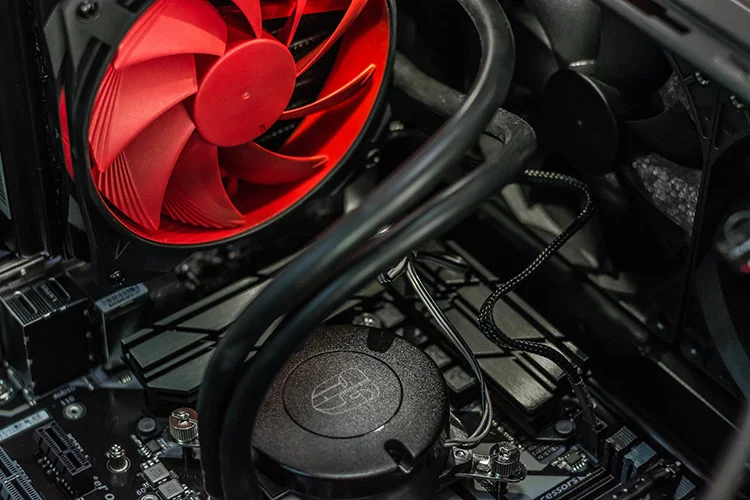
When your computer is running hot, these practical steps can provide immediate relief and prevent damage while you work on longer-term solutions. Most of these fixes require no special tools and can be implemented right away.
Start with the simplest solutions first, as they often provide the most dramatic improvements with minimal effort.
Improve Airflow and Positioning
- Clear space around computer: Maintain 10-15 cms (4-6 inches) clearance from walls and obstructions
- Elevate desktop computers: Raise systems off carpet using platforms or stands
- Use laptop stands: Elevating laptops 1-2 inches can reduce temperatures by 5-10°C
- Avoid heat sources: Keep computers away from heaters, direct sunlight, and other warm equipment
Clean Dust and Debris
- External cleaning: Use compressed air weekly to blow dust from vents in dusty environments
- Internal desktop cleaning: Open cases every 6-12 months for thorough compressed air cleaning
- Professional laptop cleaning: Have qualified technicians clean laptop internals to avoid damage
- Focus on critical areas: Pay special attention to CPU and GPU heatsinks, where dust accumulates
Optimize Software and Usage
- Close unnecessary programs: Use Task Manager to identify and close resource-intensive background processes
- Limit browser tabs: Reduce open tabs and use extensions to suspend inactive ones
- Schedule intensive tasks: Run demanding applications during cooler parts of the day
- Audit startup programs: Disable non-essential applications that automatically start with your computer
Long-Term Cooling Solutions
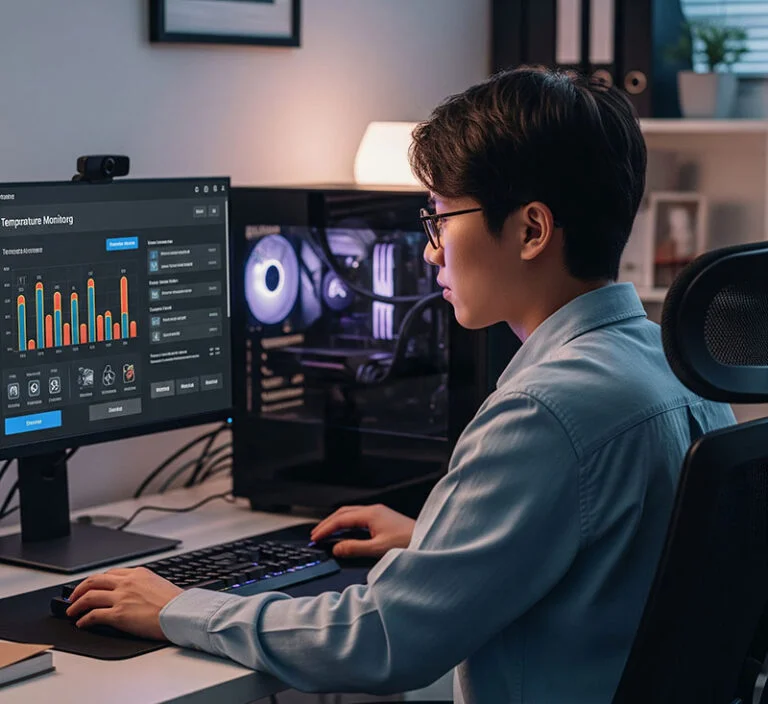
For persistent temperature problems or high-performance systems, more substantial cooling improvements may be necessary. These solutions require more investment but provide significant long-term benefits for system performance and longevity.
Consider professional installation for complex upgrades to ensure proper implementation and avoid component damage.
Hardware Upgrades
- Aftermarket CPU coolers: High-performance air coolers can reduce temperatures by 10-20°C
- Air coolers: High-performance aftermarket air coolers from manufacturers like Noctua or be quiet! can reduce CPU temperatures by 10-20°C compared to stock coolers.
- Additional case fans: Strategic fan placement creates optimal airflow patterns
- All-in-one liquid coolers: Closed-loop systems offer excellent cooling with easy installation
- Custom water cooling: While rarely necessary for business applications, custom liquid cooling provides the ultimate thermal performance for workstations with extreme processing demands.
- Higher efficiency power supplies: 80+ Gold-rated Power Supply Units (PSUs) generate less heat and provide more stable power
Maintenance Services
- Thermal paste replacement: Professional application every 2-3 years maintains optimal heat transfer
- Fan replacements: Replace aging fans before they fail completely
- System cleaning services: Professional deep cleaning for business computers
- Cooling system assessment: Expert evaluation of current cooling effectiveness
Environmental Controls
- HVAC optimization: Maintain office temperatures between 20-24°C (68-75°F)
- Humidity control: Keep relative humidity between 45-55% for optimal equipment operation
- Seasonal adjustments: Plan for supplemental cooling during hot summer months
- Office layout improvements: Position heat-generating equipment away from workstations
Special Considerations for Laptops
Laptops face unique cooling challenges due to their compact design and portable nature. Their limited internal space and shared cooling systems make them inherently more prone to overheating than desktop computers.
Understanding these limitations helps you use laptops more effectively and extend their lifespan through proper thermal management.
Why Laptops Overheat More
- Compact design: Limited space restricts heat dissipation and airflow
- Shared cooling: Single cooling system handles both CPU and GPU heat loads
- Dust sensitivity: Small amounts of dust significantly impact cooling performance
- Battery heat: Internal laptop batteries generate additional heat while being heat-sensitive themselves
Laptop-Specific Solutions
- Cooling pads: External USB fans can reduce temperatures by 5-15°C during intensive tasks
- Proper placement: Always use on hard, flat surfaces that won’t block air vents
- Power management: Use energy-saving settings to reduce heat generation during light tasks
- Regular breaks: Allow cooling time after intensive use before storage or transport
Safe Operating Practices
- Surface awareness: Never use on beds, couches, or soft surfaces that block vents
- Transport considerations: Allow cooldown time before putting recently used laptops in bags
- Environmental caution: Be extra careful about laptop use in hot cars or outdoor summer conditions
- Storage practices: Store in cool, dry environments when not in use
When to Seek Professional Help
While many temperature issues can be resolved with basic maintenance, certain situations require professional expertise to avoid costly mistakes or further damage. Recognizing when to call for help can save money and prevent more serious problems.
Professional diagnosis services can quickly identify complex issues that might take hours of troubleshooting to resolve on your own.
Signs You Need Professional Service
- Persistent high temperatures: Problems remain after thorough cleaning and basic fixes
- Unusual fan noises: Grinding, rattling, or clicking sounds indicate mechanical failure
- Continued system shutdowns: Unexpected shutdowns persist despite basic interventions
- Hardware-related BSOD errors: Blue screens mentioning specific hardware components
- Failed DIY attempts: Temperature problems worsen after attempted self-repair
How EezIT Can Help Solve Your Computer Temperature Problems
At EezIT, we’re dedicated to ensuring your computers run smoothly and efficiently, free from the nightmares of overheating. We offer a comprehensive suite of professional computer repair and diagnosis services tailored to address all your computer temperature concerns:
- Temperature diagnostic services: Our experts use advanced tools to accurately diagnose the cause and extent of your computer’s overheating issues.
- Cooling system upgrades and solutions: We can recommend and implement appropriate cooling solutions, from upgrading CPU coolers and case fans to advanced liquid cooling systems.
- Thermal optimization for business computers: We specialize in optimizing cooling for high-demand business environments, including servers and workstations.
- Expert maintenance programs: Our preventative maintenance programs include regular cleaning, thermal paste checks, and performance tuning to keep your systems running optimally.
- Custom cooling solutions: For high-performance needs, we can design and implement custom cooling solutions to meet specific requirements.
- Remote temperature monitoring: For businesses, we offer remote temperature monitoring solutions, allowing us to proactively detect and address potential overheating issues before they escalate.
Thermal Optimization Services for Business Computers
For business environments with multiple systems, we offer:
- Fleet assessment: Comprehensive evaluation of all business computers to identify thermal management priorities.
- Standardized solutions: Implementation of consistent cooling solutions across multiple workstations.
- Environment optimization: Assessment of office layout and HVAC performance to improve overall cooling efficiency.
Expert Maintenance Programs
For ongoing protection, we offer:
- Quarterly preventative maintenance: Regular cleaning and inspection to prevent heat-related issues.
- Temperature monitoring services: Ongoing remote temperature monitoring with alert thresholds.
- Priority response service: Expedited service for temperature-related emergencies.
- Annual thermal assessment: Comprehensive yearly evaluation of cooling system performance.
Key Takeaways
Maintaining optimal computer temperatures is essential for performance, reliability, and longevity. Regular monitoring, proper maintenance, and prompt attention to warning signs can prevent expensive repairs and extend your system’s life significantly.
Quick Prevention Checklist
- Monitor temperatures regularly using built-in tools or specialized software
- Clean dust from vents and fans every 6-12 months, depending on your environment
- Ensure proper ventilation with adequate clearance around your computer
- Manage resource usage by closing unnecessary programs and background processes
- Seek professional help when basic fixes don’t resolve persistent temperature issues
Don’t let overheating turn into a costly nightmare. Take proactive steps today to keep your computer running cool, efficient, and reliable for years to come.
Contact EezIT today for a comprehensive computer temperature assessment, a cooling system evaluation, or to learn more about our professional maintenance services!